Mobile guide – current as of 22 September 2026
Slotozen Mobile Australia: Browser Play, iPhone and Android
 Available in AU
Slotozen supports mobile-browser play on phones and tablets, and its current site describes the mobile experience as responsive with games, deposits and withdrawals available through the browser. The official Slotozen domain also hosts an Android download page, but that page is not a Google Play listing, and no matching official Google Play or Apple App Store listing was found as of 22 September 2026. For iPhone, the verified route is the browser. For Android, browser access is verified and a first-party direct-download page exists, but it should not be described as a store app.
For the broader context, see the Slotozen Australia review.
iPhone
Browser verified
Android
Browser verified
Google Play
No listing verified
App Store
No listing verified
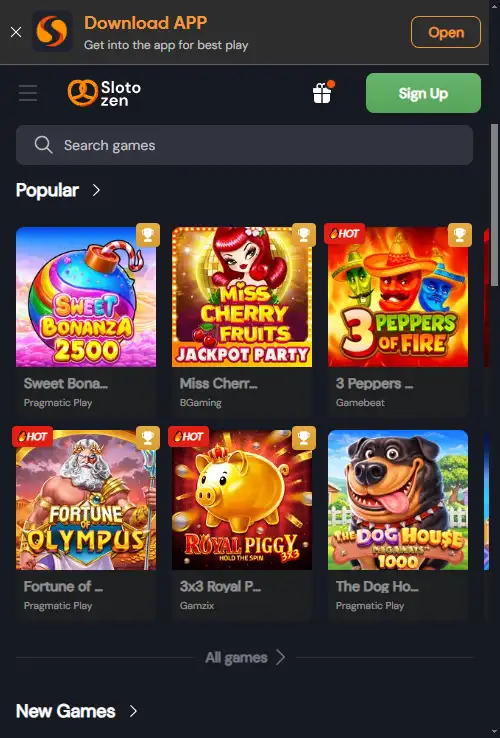
Slotozen currently presents an Android download page on its own domain. That is different from a verified listing in Google Play or Apple’s App Store.
Mobile routes
Table of Contents
- What is actually verified on iPhone and Android
- The mobile website is the verified cross-platform route
- Slotozen now has an Android download page, but it is not Google Play
- No verified Apple App Store listing
- Check the four tasks that matter on a small screen
- Mobile security starts with the official domain, not a download search
- Mobile access does not change the Australian regulatory layer
- Use this mobile checklist before relying on the phone as your main device
- How well Slotozen works on an Australian phone or tablet
What is actually verified on iPhone and Android
The safest way to answer the app query is to separate browser access, direct downloads and official store distribution.
| Route | Current status | Practical meaning |
|---|---|---|
| iPhone browser | Verified | Use the official Slotozen website in Safari or another browser |
| Android browser | Verified | The responsive site is the clearest cross-device route |
| Android direct-download page | Present on slotozen.com | First-party page, but not proof of Google Play distribution |
| Google Play listing | Not verified | Do not describe Slotozen as a Play Store app |
| Apple App Store listing | Not verified | Do not describe Slotozen as an iOS store app |
Browser first
The mobile website is the verified cross-platform route
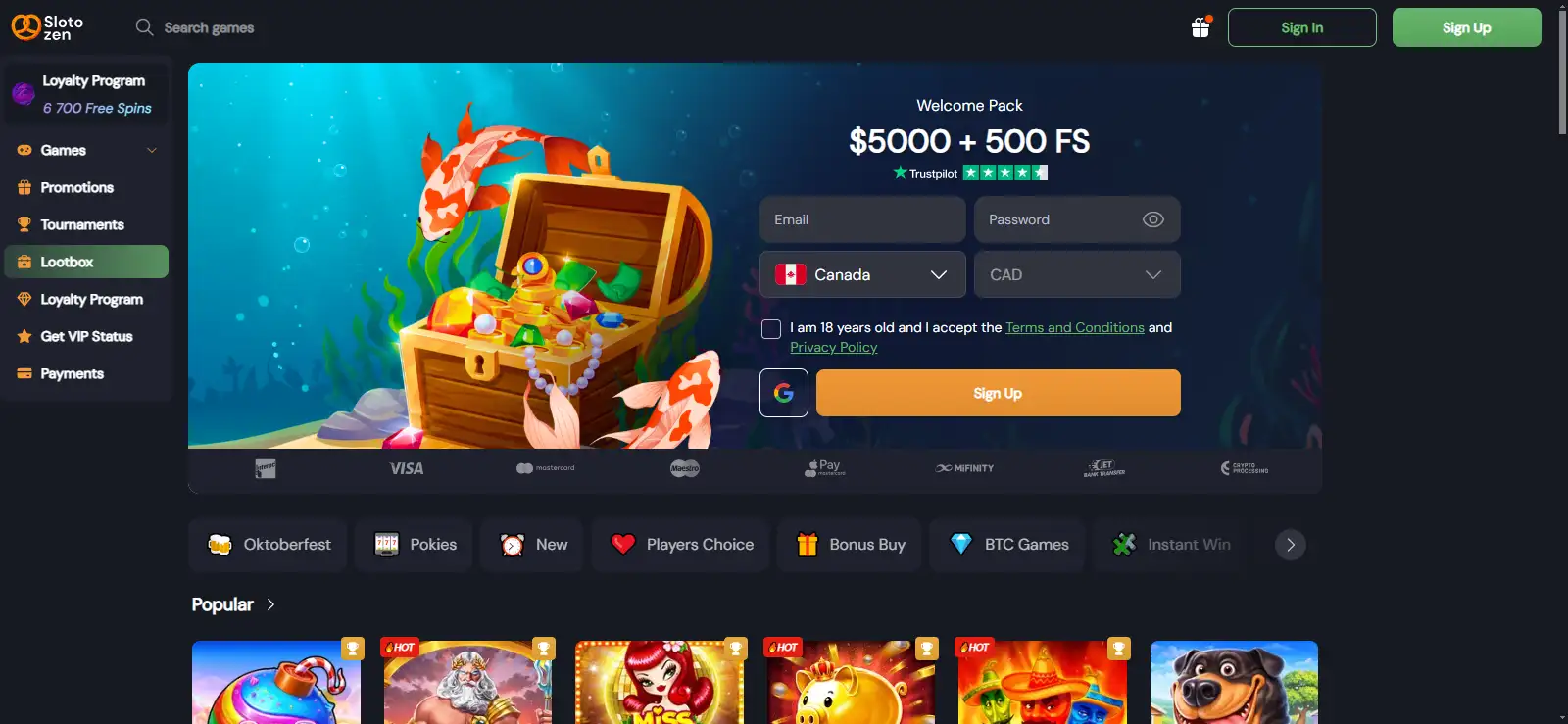
Slotozen’s current home page describes the casino site as responsive and says players can use it through a mobile browser or tablet. It also says core actions such as finding games, making deposits and requesting withdrawals are available on mobile. That gives iPhone and Android users one route that does not depend on an app store or a downloaded package.
For most readers, this is the useful baseline. Open the official Slotozen domain in the phone browser, sign in to the same account used on desktop and use the responsive interface. There is no separate mobile account or mobile-only balance.
The Slotozen registration rules remain the same account rules on mobile: accurate details, one personal account and later verification when required.
Slotozen now has an Android download page, but it is not Google Play
The current official domain contains a page at the Slotozen download-APK path that presents an Android app download experience and describes playing on an Android device. That is useful first-party evidence that Slotozen is promoting a direct Android download route.
It is not the same evidence as a Google Play listing. A brand-hosted page can distribute or promote an Android package without appearing in Google’s store, and the page itself does not turn into a store listing because it uses app-style ratings, download counts or an Install label.
The documented position is narrower: Slotozen has an official-domain Android download page, but an official Google Play listing was not verified. Third-party APK mirrors should not be treated as equivalent to the operator’s own domain. If you choose anything beyond browser access, verify that the download remains on the official domain and review the device permissions before installation.
No verified Apple App Store listing
No official Slotozen listing in Apple’s App Store was found as of 22 September 2026. That means an iPhone user should not be told to search for or install a native Slotozen iOS app as though one had been confirmed.
The verified iPhone route is the responsive website. Safari can keep frequently used sites easy to reach, and some browsers or operating systems can add website shortcuts to the home screen, but a shortcut or web-app style launch is not the same thing as an App Store application.
Check the four tasks that matter on a small screen
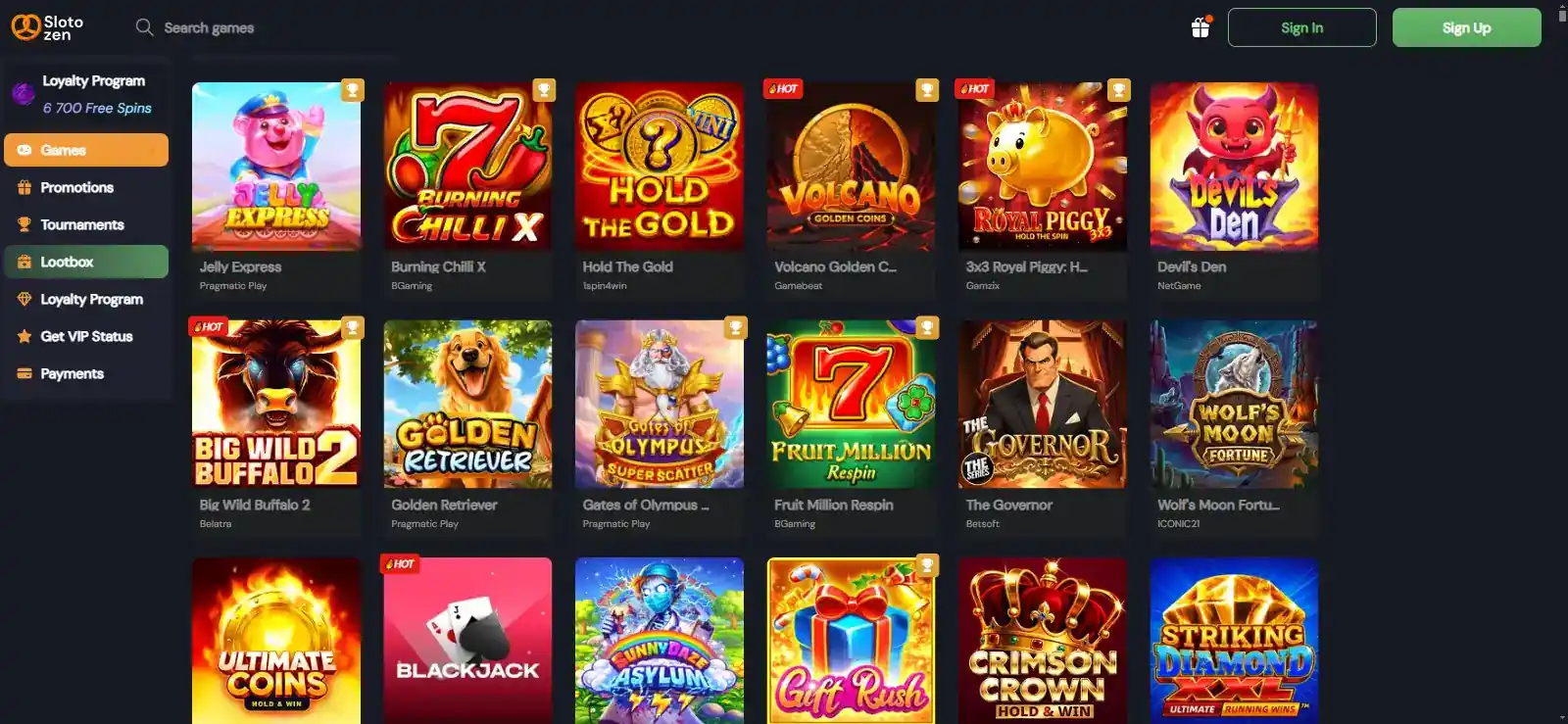
A mobile casino can look polished and still be awkward at the moment that matters. The practical test is whether the core tasks remain usable without switching to desktop. Slotozen’s current mobile description covers games, deposits and withdrawals, while the same account also needs access to profile and verification controls.
| Task | What to check on mobile |
|---|---|
| Games | Search, category navigation and game launch without horizontal layout problems |
| Account | Profile, password and verification controls remain readable |
| Payments | Deposit and withdrawal screens show the full method, amount and status information |
| Bonus | Active-offer terms and wagering status can be read before placing bets |
The deeper catalogue belongs in the Slotozen games guide, while payment-method and AUD context belongs in the Slotozen payments guide. The mobile question is whether those tasks remain practical on a smaller viewport.
Mobile security starts with the official domain, not a download search
Search results for gambling apps can mix official pages, affiliates, mirrors and unrelated applications with similar names. The simplest risk reduction is to start at Slotozen’s official domain instead of searching the web for an APK file by filename. From there, browser play does not require sideloading any package.
If an Android user considers the direct-download route, the source matters. A first-party page on slotozen.com is materially different from a third-party APK mirror, but it still does not provide the same distribution signal as Google Play. Check the domain, the download source and the permissions requested by the package rather than assuming an app-looking page has store verification.
For iPhone, avoid sites that claim to provide an unofficial Slotozen iOS installer when no App Store listing has been verified. The browser route already covers the core account and casino experience without requiring that extra trust decision.
Mobile access does not change the Australian regulatory layer
A site loading on an Australian phone, showing AUD or offering a mobile download route describes technical or operational access. It does not by itself establish Australian regulatory authorisation. The same distinction applies whether the user arrives through Safari, Chrome, a home-screen shortcut or a directly downloaded Android package.
That is why this page does not use words such as “approved” or “licensed in Australia” to describe mobile availability. Device compatibility and regulatory status are separate questions, and the mobile experience should be assessed on its own product evidence.
Use this mobile checklist before relying on the phone as your main device
| Check | Good practice |
|---|---|
| Domain | Start from the official Slotozen website |
| Login | Use the same personal account rather than creating a second mobile account |
| Cashier | Confirm the method and amount fields are fully visible before submitting |
| KYC | Make sure document upload controls are usable if verification is requested |
| App claim | Separate direct APK distribution from verified store listings |
If a mobile-specific question remains after these checks, the Slotozen Australia FAQ collects short answers that do not need a full standalone page.
For day-to-day use, the browser route is the simplest baseline because it does not depend on an app-store listing. Open the official site on the phone you actually plan to use and check the tasks that matter before relying on mobile as your main access point: sign-in, game navigation, cashier access, verification steps and support. On Android, the separate Slotozen download page is a different route from Google Play, so treat it as a direct brand download rather than proof of a store-distributed app. On iPhone, no official Apple App Store listing was verified, which makes the mobile website the documented option discussed here. This distinction matters because a search result for an app name is not the same thing as a verified store listing. Using the official domain also keeps account access, cashier links and help routes in the same environment you have already checked.
Decision guide
How well Slotozen works on an Australian phone or tablet
The clearest verified route is the mobile website: Slotozen describes its current site as responsive and supports core casino, account and cashier activity through a phone or tablet browser. That works for both iPhone and Android without requiring a store download.
Android users also have a Slotozen-hosted download page, but no official Google Play listing was verified, and no Apple App Store listing was verified for iPhone. Treat those facts separately. If you want the lowest-friction route, use the official site in the browser. If you consider a direct Android installation, verify the first-party source and permissions instead of relying on third-party APK listings or assuming the package has app-store review.
On this page
Prepared by the Slotozen Casino editorial staff.